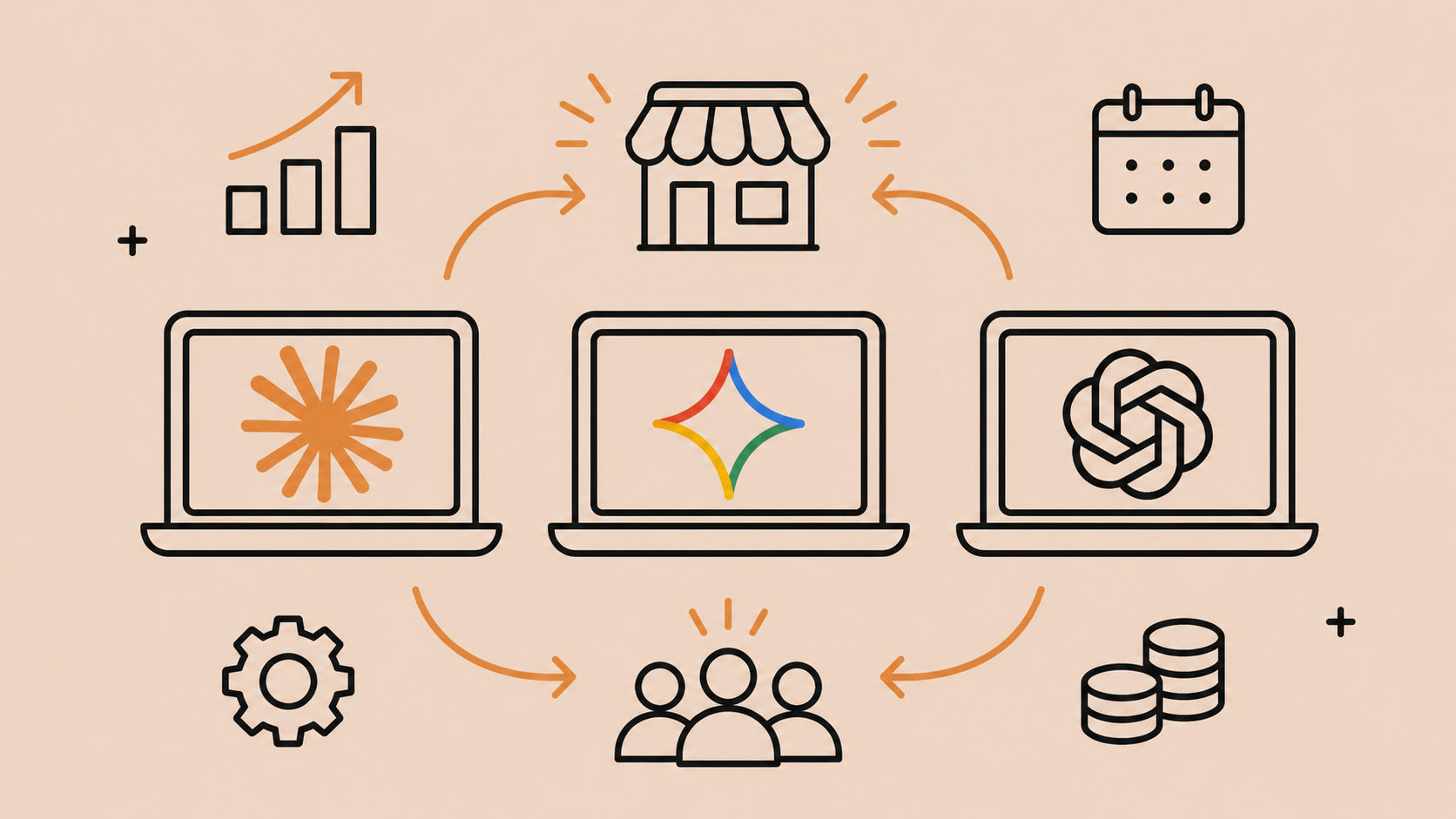
Claude vs ChatGPT vs Gemini: which should a small business pay for?
Which AI assistant a small business should pay for in 2026: what Claude, ChatGPT and Gemini each do best, what they cost in the UK, and how to choose.
By Rich Tyler · AI for Small Business · 6 min read
For most small businesses, the best AI assistant is the one that sits closest to the tools you already use. If your email and documents live in Google, start with Gemini. If you write a lot of long documents, proposals or policies, Claude is the strongest writer of the three. If you want one tool that does a bit of everything, including images and voice, ChatGPT is the safe pick.
All three cost about the same, roughly £18 to £20 a month for the paid individual plan, so price shouldn’t decide it.
The short version
| If you mostly… | Start with |
|---|---|
| Live in Gmail, Google Docs and Google Drive | Gemini |
| Write proposals, reports, policies or long emails | Claude |
| Want images, voice chat and a bit of everything | ChatGPT |
| Use Microsoft 365 for everything | ChatGPT or Claude (both connect to Outlook and OneDrive), or Copilot if you already pay for it |
| Aren’t sure yet | Any of the three free versions for a fortnight, then pay for the one you kept opening |
What each one costs in the UK
| Plan | Price a month | Official page |
|---|---|---|
| ChatGPT Plus | £20 | chatgpt.com/pricing |
| Claude Pro | £18, or £15 a month paid yearly | claude.com/pricing |
| Google AI Pro | £18.99 | one.google.com/about/plans |
Prices from each provider’s UK pricing page on 28 October 2026. They change, so check before you buy.
Each has a free version, and each has a team plan if more than one person needs it. Team plans keep your business data out of model training by default, which matters if you’re putting client details in.
Claude
Claude is made by Anthropic. It’s the one I’d pick for writing that has to sound like you: proposals, website copy, policies, client emails. It’s also good at reading long documents, like a 40 page tender or a year of meeting notes, and pulling out what matters.
Projects let you load your prices, past work and tone of voice once, so you don’t paste them in every time.
Where it’s weaker: no image generation. It can draw charts and diagrams, but not photos or illustrations.
ChatGPT
ChatGPT is made by OpenAI and it’s the one most people have already tried. It does the widest range of jobs in one place: writing, images, voice conversations, analysing spreadsheets and searching the web.
Custom GPTs and projects let you save a set of instructions for a repeat job, like writing quotes in your format.
Where it’s weaker: the writing can sound generic unless you give it examples of your own, and the range of features can make it harder to know where to start.
Gemini
Gemini is made by Google. Its big advantage is that it’s built into Gmail, Google Docs, Sheets and Drive, so it can draft a reply inside the email you’re reading or summarise a document without you copying anything across.
If your business already runs on Google Workspace, Gemini saves the most clicks.
Where it’s weaker: outside the Google tools, it’s less of a standout, and the plan names and what’s included have changed a lot, so check what you’re getting.
What matters more than which one you pick
The difference between the three is smaller than the difference between using one well and using one badly. The things that make the biggest difference:
- Give it your business. Your prices, your services, a few past emails you were happy with. All three let you save this once.
- Save your repeat jobs. If you write the same kind of email every week, save the instructions so it’s one click next time.
- Check its work. All three can get facts wrong. Read anything before it goes to a customer.
- Pay for one, not three. Pick one, get good at it, then decide if you need another.
Common questions
Is the free version good enough? For trying it out, yes. For daily business use, the paid plans give you the better models, more use before you hit a limit, and features like projects. If you use it more than a few times a week, the paid plan pays for itself quickly.
Is my data safe? On personal plans, check the settings for whether your chats are used to train the models, and switch it off if you don’t want that. Team and business plans don’t train on your data by default.
Can I switch later? Yes. Keep your saved instructions and examples in a document of your own, so you can paste them into a different tool if you move.
Which one do you set up for clients? Whichever they already pay for. I set up Day One on Claude, ChatGPT or Gemini, inside the client’s own account, so they own everything.
If you want a second opinion on which one suits your business, the first 30 minute call is free. Book a call.
Want a hand with your own?
Free 30 minute call. Tell me what's on your mind and I'll tell you honestly what's worth doing about it.
Book a 30 minute call →